
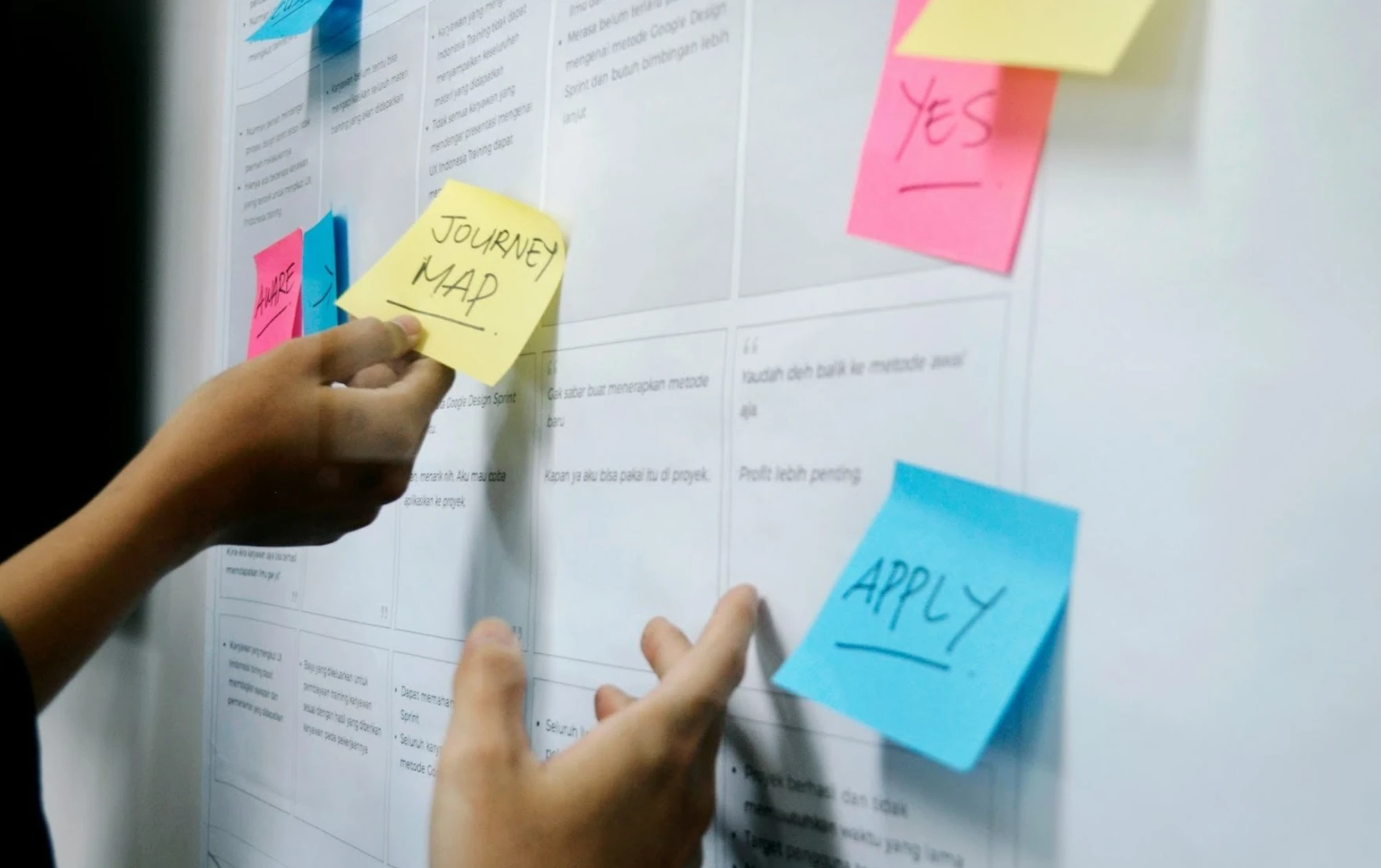

Look for AI tools that match your internal workflows. Some excellent options for project management and team collaboration include Asana, Monday, Slack, Notion, and ClickUp. If part of your stack involves building a native mobile app, it's also worth exploring the best collaborative AI app builder for teams to stay aligned from strategy through delivery. For more technical tasks, explore industry-specific AI models.
AI is literally everywhere. Whether you run a digital marketing agency or post social media content for a living, “AI-powered features” are in whatever tool you use. It’s reshaping workstreams across industries. But with plenty of options available (and many more sprouting left and right), which are actually useful for your work?
In this AI software roundup, we’ll dive into the most cost-efficient platforms for general productivity and industry-specific task management. See what best suits your workflows.
Why AI software matters for modern Workstreams
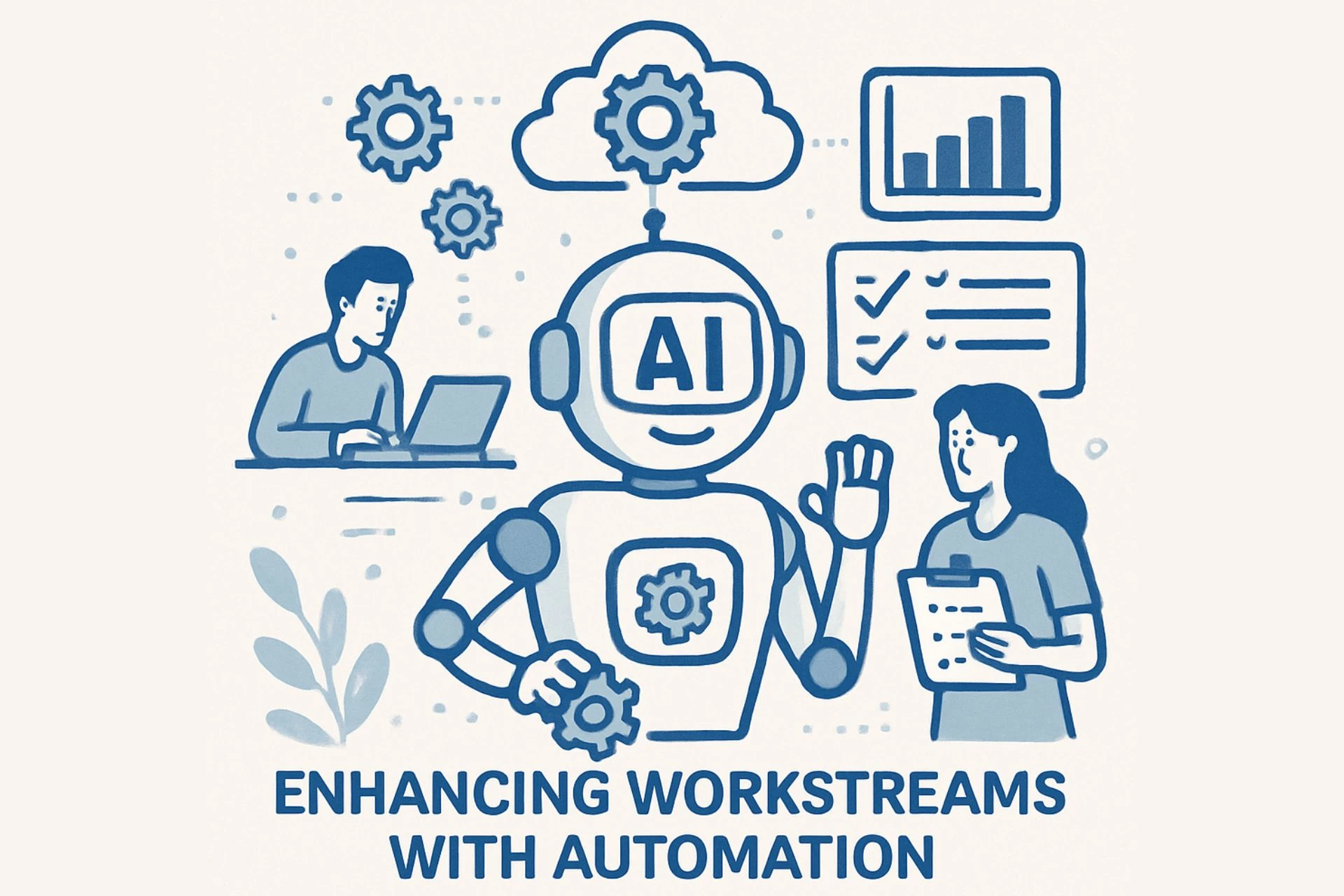
Technical and creative teams alike can become more efficient once they treat AI chatbots or features as tools. AI streamlines task cycle times by automating repetitive activities, such as formatting, data entry, categorization, and transcription.
By eliminating bottlenecks, you can dedicate more attention to creative and strategy-focused projects. Let’s say you’re writing blog drafts. AI can help with research, competitor analysis, and outline drafting, giving you more time to refine articles.
How can marketing teams use AI for work?
- Automate time-consuming, repetitive manual work
- Skim and summarize data-heavy documents (that aren’t confidential)
- Automatically assign tasks based on staff competence and workload
- Transcribe and summarize meetings instead of taking minutes manually
- Generate project charters based on discussions
- Deliver real-time translations and transcriptions in multiple languages during online meetings
Related read: AI & Content Marketing: Getting Found in a Noisy Feed
Top AI software for task management
If you’re looking to supercharge your tech stack for task management with AI automation, check out these platforms:
Asana
Asana takes task management to the next level with built-in AI designed for speed and clarity. It simplifies how teams organize tasks, deadlines, and cross-functional conversations, while reducing manual oversight.
With its do-it-all AI assistant, Asana helps you:
- Automate routine task assignments
- Summarize conversations and key updates
- Produce performance-based status reports
- Surface project analytics that inform smarter decisions
This means less time spent updating spreadsheets and more on high-impact work. Asana’s intuitive interface is built for teams of all sizes, from marketing squads juggling campaigns to operations groups optimizing cross-functional work.
ClickUp
ClickUp AI takes task management beyond summaries, but be ready for a bit of a learning curve. It lets you program AI agents to adapt to your workspace and handle recurring tasks automatically.
These agents can send automated responses and, with some technical know-how, accurately execute multi-step workflows, streamlining complex processes. Besides, you can customize dashboards and settings, and set up smart task-prioritization tools.
Monday.com
If you like the idea of AI agents but want something simpler, try Monday.com. Its AI blocks include pre-built functions for data categorization, file extraction, sentiment analysis, text summarization, and language translation. All these AI features give your teams powerful automation without the technical overhead.
AI collaboration software: Enhancing teamwork
Support collaboration with smart, efficient tools that eliminate potential misunderstandings and bottlenecks during meetings.
Slack
Slack makes team communication simple, but juggling multiple channels can let key messages slip through the cracks. Its AI productivity features help prioritize important conversations, summarize threads, and capture meeting takeaways, keeping your workflow efficient without switching tools.
Notion
Notion AI delivers one of the most powerful models on the market today. It can summarize documents, improve designs, navigate pages, and even write code. Fully integrated and always accessible, it’s a smart upgrade for teams already managing their content in a Notion workspace.
AI productivity solutions for specialized workstreams
For more technical, specialized projects, you need AI capabilities tailored to specific workstreams. The models you need might vary based on your industry risks and needs, but here are some good options to start.
Multi-Function AI tool
Nexos
Nexos.ai brings every major model into one workspace, so your team stops hopping between tools.
It's an All in one AI Platform that lets you:
- Chat with Claude, Gemini, ChatGPT, and 200+ models side by side
- Auto-route requests to the right model, with failover built in
- Set budgets and spend caps to keep AI costs in check
- Build no-code agents for repetitive tasks
For teams drowning in AI subscriptions, Nexos.ai consolidates the chaos into one secure hub.
Wrike
Does everyone in your staff need their own AI agent? Wrike lets teams create custom AI agents tailored to specific, technical tasks. You control all data inputs, and importantly, Wrike doesn’t use your information to train or tune its AI models, keeping sensitive workflows secure while boosting efficiency.
Trello
Trello AI transforms Kanban project boards into dynamic powerhouses. Just enter a clear prompt, and it generates structured cards, summarizes long boards, highlights key updates, and flags priorities, so your team stays on top without scrolling through every column.
How to choose the right AI software for your workstream
With hundreds of AI tools on the market, it’s easy to feel confused about where to start. Not every platform offers a free plan, and testing expensive options can quickly eat up time and budget.
For a more targeted and specific approach, here’s how to find software that fits your workflow:
- Audit each step of your current process to pinpoint manual bottlenecks.
- Confirm your AI tool can deliver outputs in your preferred formats.
- Check integration options with your existing tech stack.
- Assess customization for on prompts, workflow automations, and programmable agents.
- Review usage limits, API access, and multi-user performance to ensure scalability. Note that some models heavily limit user access.
Lastly, keep in mind that the right AI software should streamline your workflow, not add complexity. Consult your team members for compatibility.
FAQs about AI software tools
Is ChatGPT LLM or generative AI?
ChatGPT is a generative AI chatbot built on a large language model (LLM). Trained on massive datasets, it predicts the next “token” in a sequence to generate text, code, images, or audio. What sets it apart is its ability to reason in natural language, interpreting and executing requests with context.
What are the best AI tools?
The “best” platform depends on your daily tasks, industry-specific risks, business processes, and internal tools.
- For task management: Asana, ClickUp, and monday.com
- For team communications: Notion and Slack
- For specialized workstreams: Wrike and Trello
What are the main branches of AI?
AI spans several subsets, including generative AI, machine learning, deep learning, computer vision, and natural language processing (NLP). As the technology evolves, expect more modern systems to emerge, expanding how brands can leverage AI across workstreams.
In summary
- Map your AI workflows according to the specific workstreams that your organization follows.
- Look for advanced features that support research, coordination, documentation, and project execution.
- Even the best AI chatbots would need sound human judgment to deliver quality output.
- General-purpose AI tools work best for automating tedious, repetitive tasks. For technical tasks like project management, reporting, and collaboration, you’ll need specialized platforms.
- Teams that define clear guardrails for AI use achieve greater efficiency gains and fewer quality or compliance issues.
Advanced tools still need the right team behind them
AI can automate admin work, but it can’t replace creative strategy, tested strategies, or human judgment. Even the most advanced tools need the right systems and the right team behind them.
At The Influence Agency, we help brands audit AI tools, build SOPs, and create prompt and QA libraries tailored to each workstream. Powered by AI processes, our award-winning team delivers custom digital marketing solutions that scale with your business.
Ready to turn AI into performance? Call our team today to schedule an initial consultation, and let’s map out a strategy to hit your brand goals this year.